
DynoTrace
A Windows J2534 diagnostic, data-logging and tuning companion built by tuners, for tuners — live logging, all-module fault-code scanning and WinOLS map visualisation in one app.
Works with any J2534 pass-thru interface · Windows 10 / 11 · one computer per licence · activate online in minutes, 24/7.
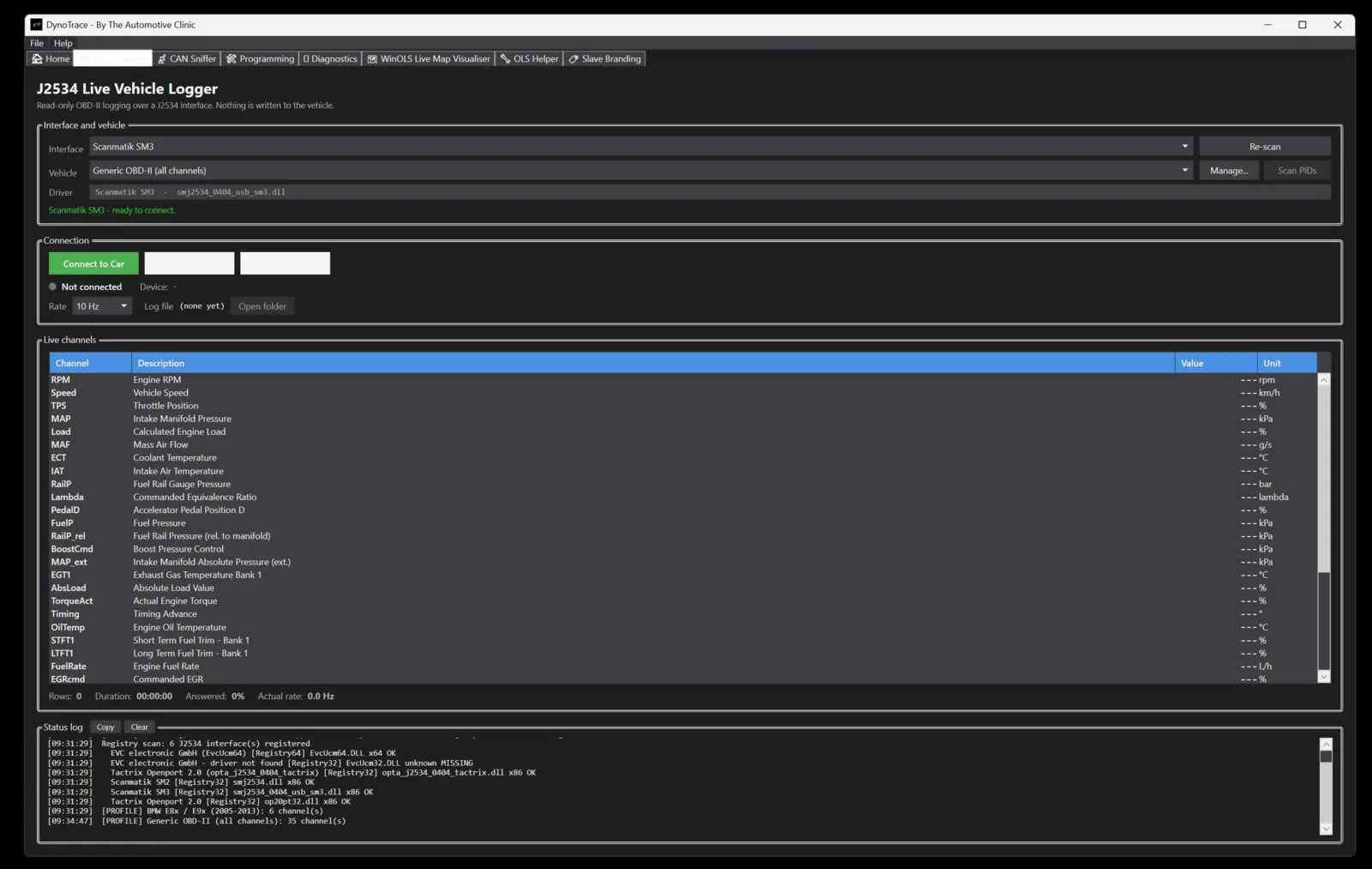
J2534 live data logging
Connect through any J2534 pass-thru interface and log live engine data at high speed. Smart polling — multi-PID batching plus priority scheduling — keeps the channels that matter fast.
- Ready-made profiles: Toyota / Lexus, Isuzu D-Max & Mazda BT-50 (4JJ3), LandCruiser 70 / 200, plus generic OBD-II for everything else
- Passive broadcast logging for Nissan, Subaru, VW / Audi, Hyundai / Kia, BMW, Mazda, Volvo, GM / Holden and Ford
- Read-only: nothing is written to the vehicle while logging
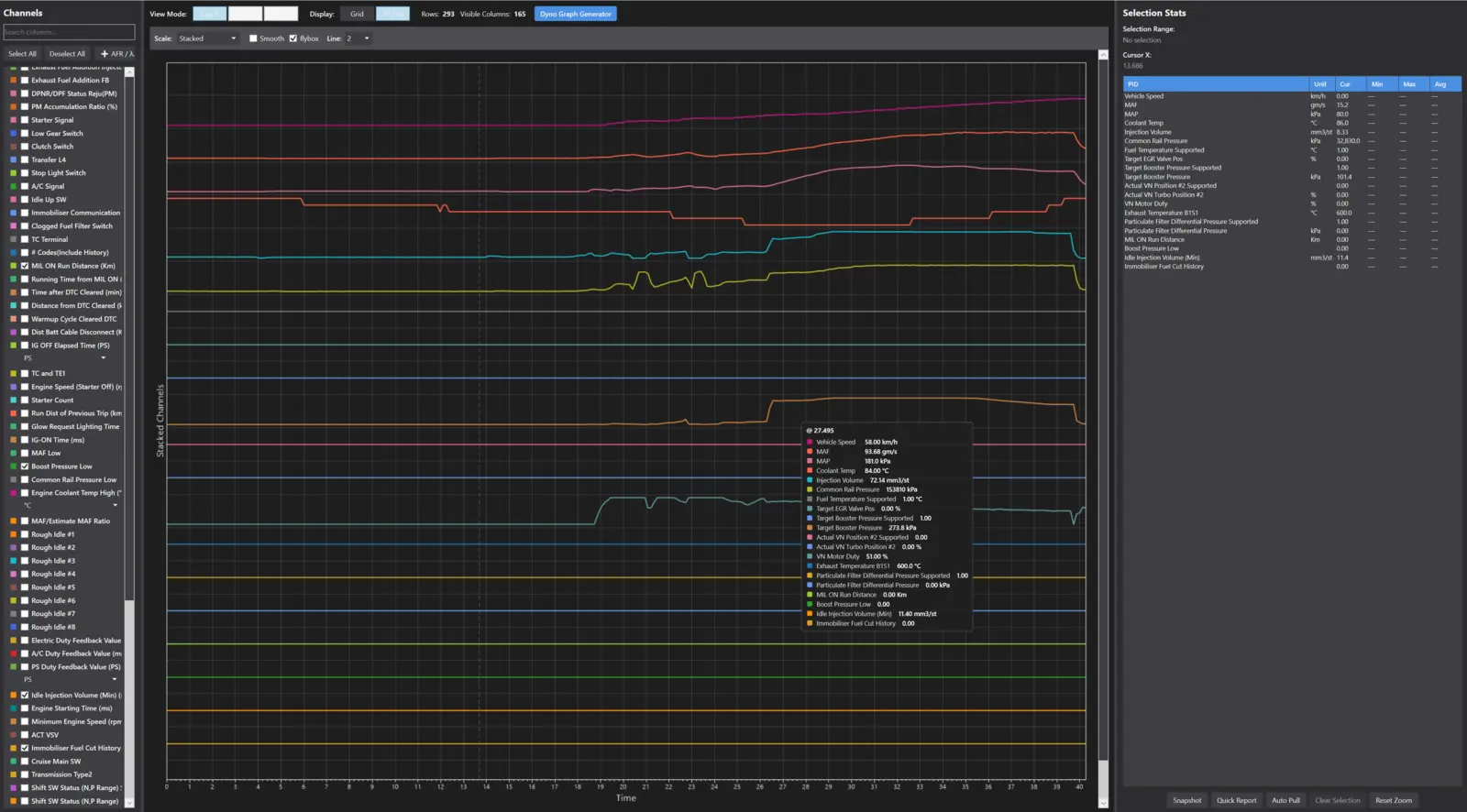
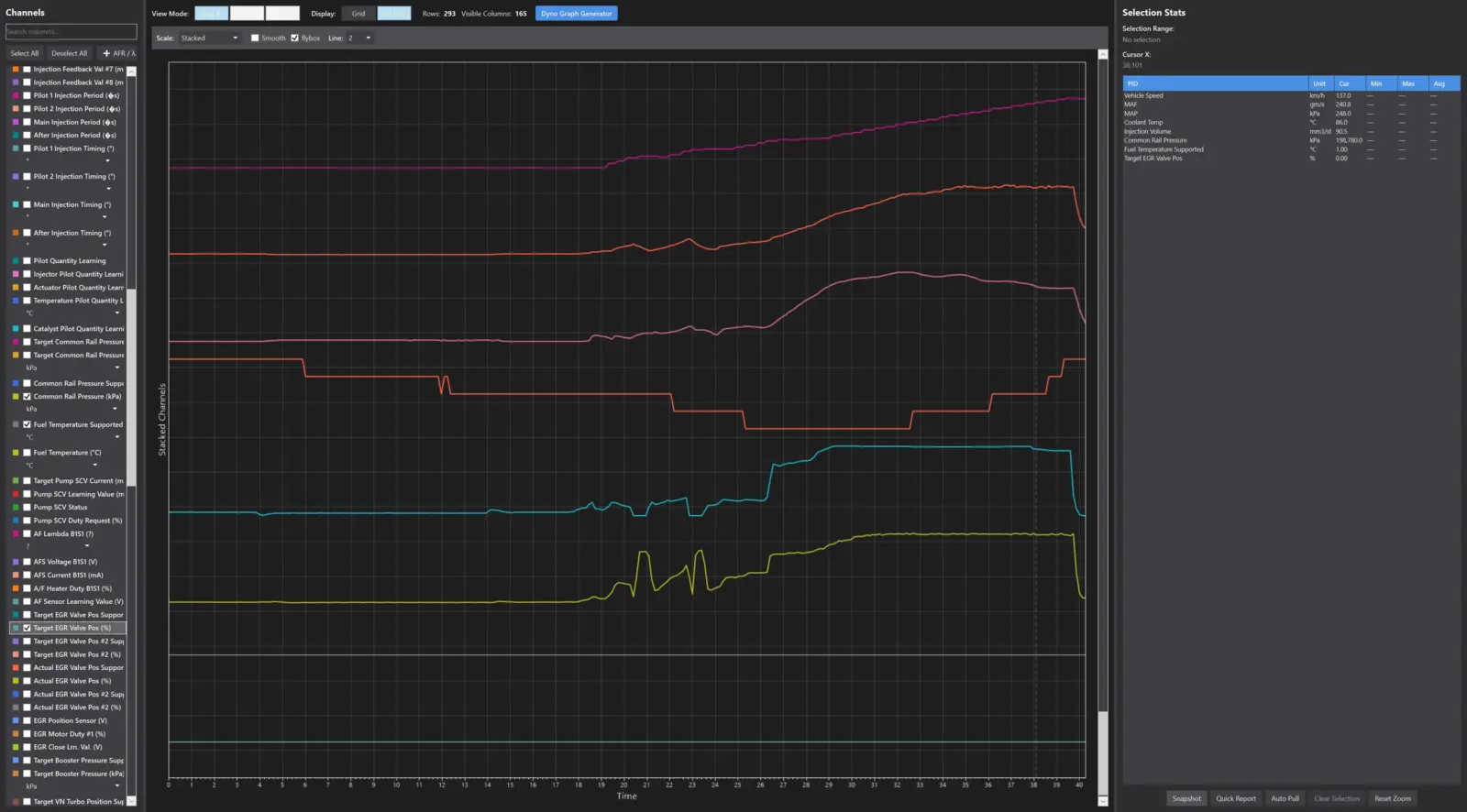
Log viewer & before / after comparison
Open your logs, pick the channels, and overlay a before run against an after run to see precisely what a tune changed — boost, rail pressure, timing, AFR, whatever you logged.
- Reads DynoTrace, Techstream (snapshot and v18 .TSE recordings), FORScan FSL, HP Tuners, VCDS, GIDSS and generic CSV logs
- Cursor read-outs, selection stats and export of any range
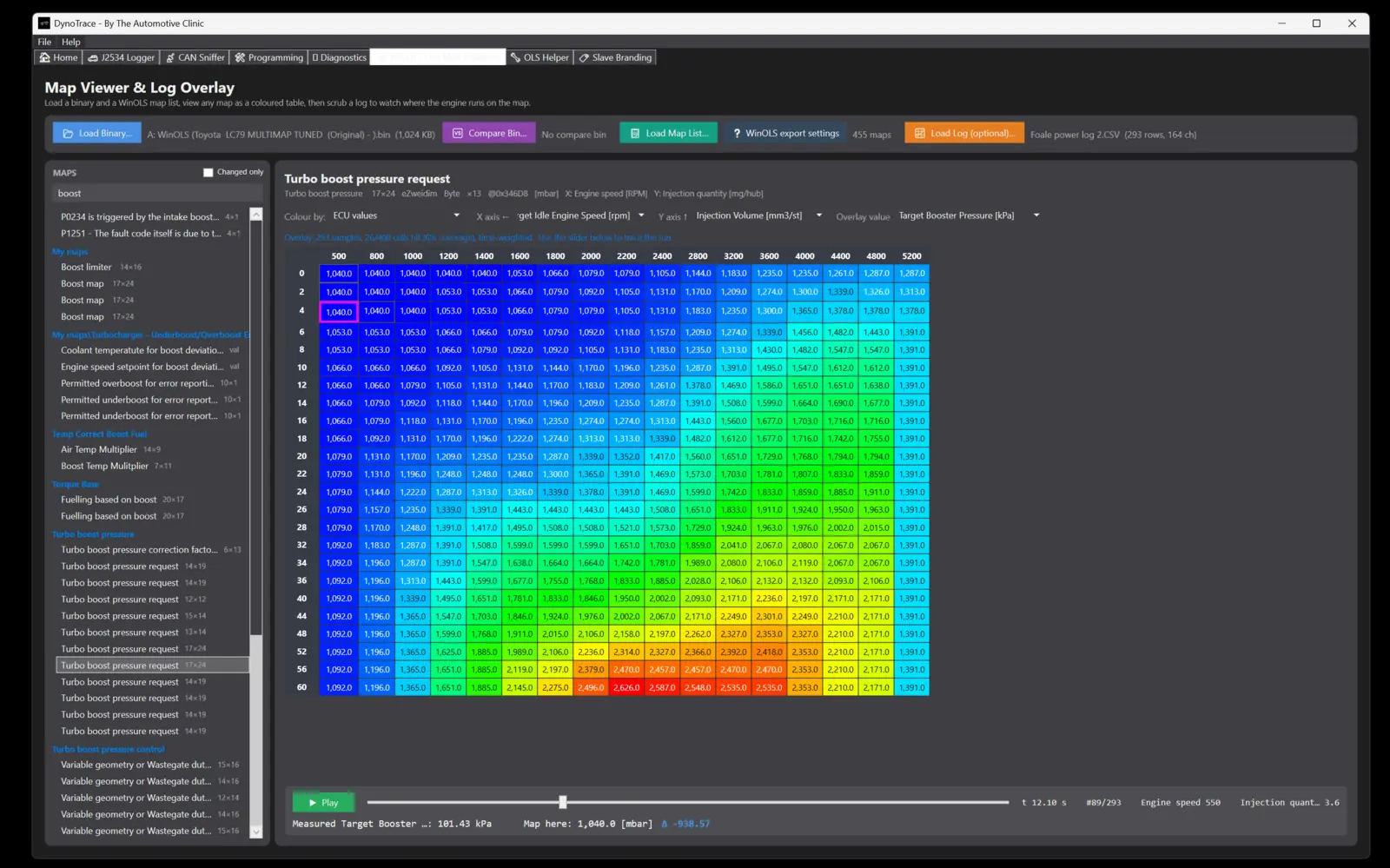
WinOLS live map visualiser
Load your WinOLS map list and watch your live log data move across the actual maps in real time, so you can see which cells you're hitting — and which ones you never reach.
- Axis look-up from live channels, highlighted active cell and trail
- Works from your own map pack or a DAMOS / A2L-derived list
- Pairs with our map packs and tuning files from the library
All-module diagnostics & CAN sniffer
Scan every control module on the vehicle for fault codes — stored, pending and permanent — against a built-in database of 18,000+ trouble codes across 30+ brands, and clear codes module by module. The passive CAN sniffer captures bus traffic for reverse-engineering and diagnosis.
Built-in tuner tools
- Dyno graph & chart generator from your logs
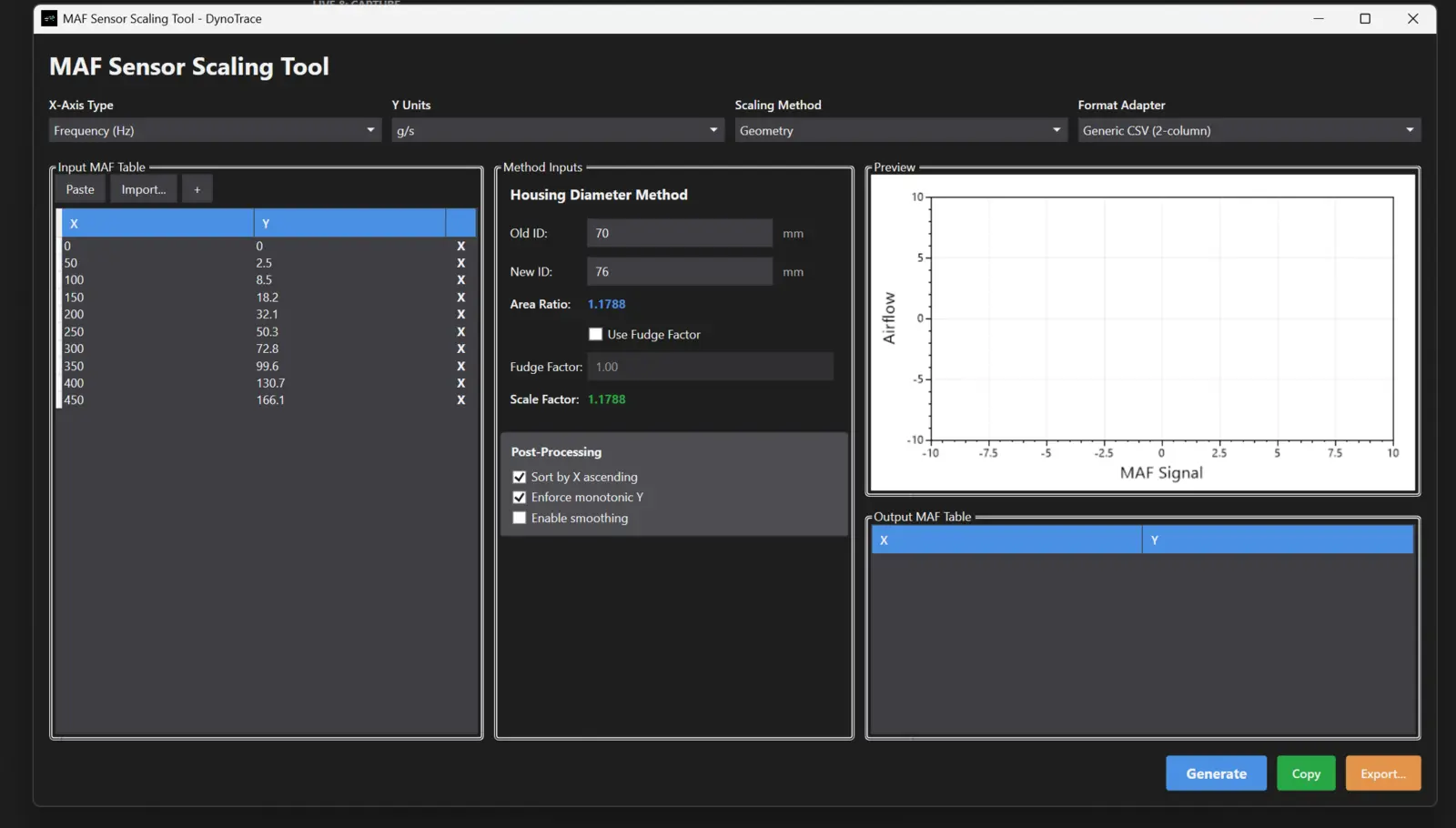
- MAF sensor scaling tool (housing-diameter method, scaled output table ready to paste)
- Injector calculator
- Wideband O2 → AFR / Lambda conversion
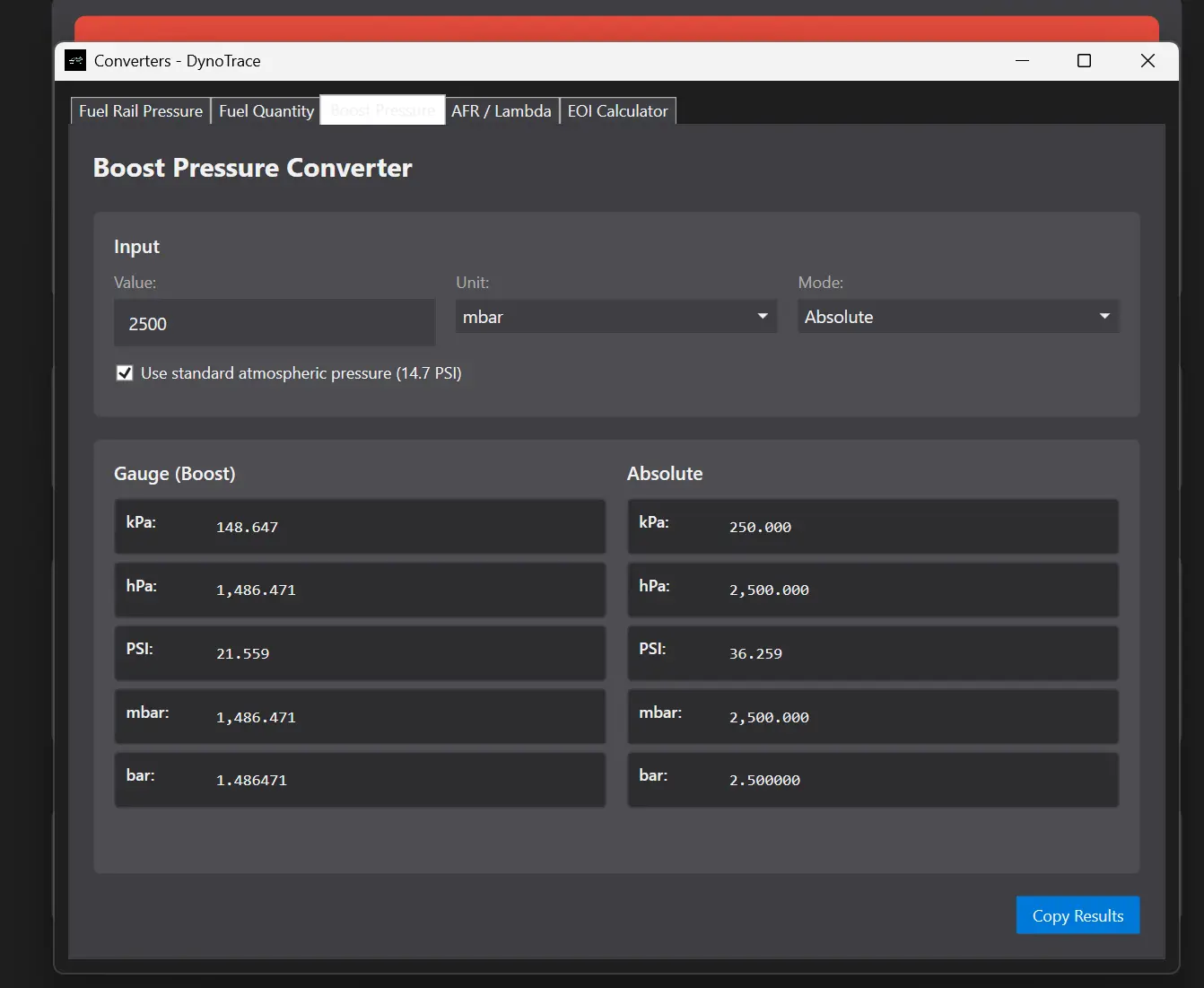
- Boost, fuel rail pressure, fuel quantity and unit converters
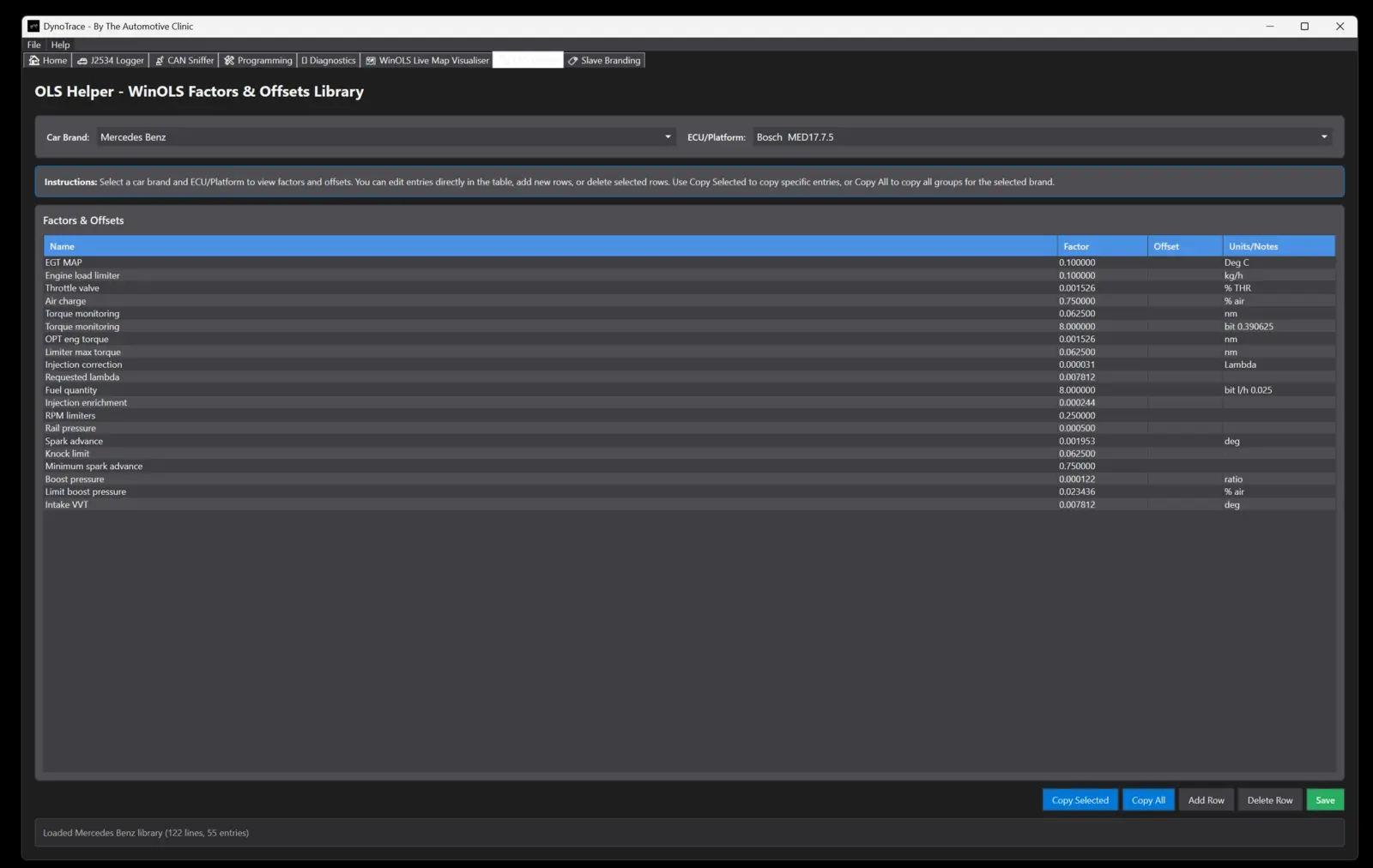
- OLS Helper: WinOLS factors & offsets library by brand and ECU
Programming module & updates
A licensed ECU programming add-on sits alongside the logger for supported platforms, and the app keeps itself current with one-click automatic updates — new vehicle profiles and tools arrive without reinstalling.
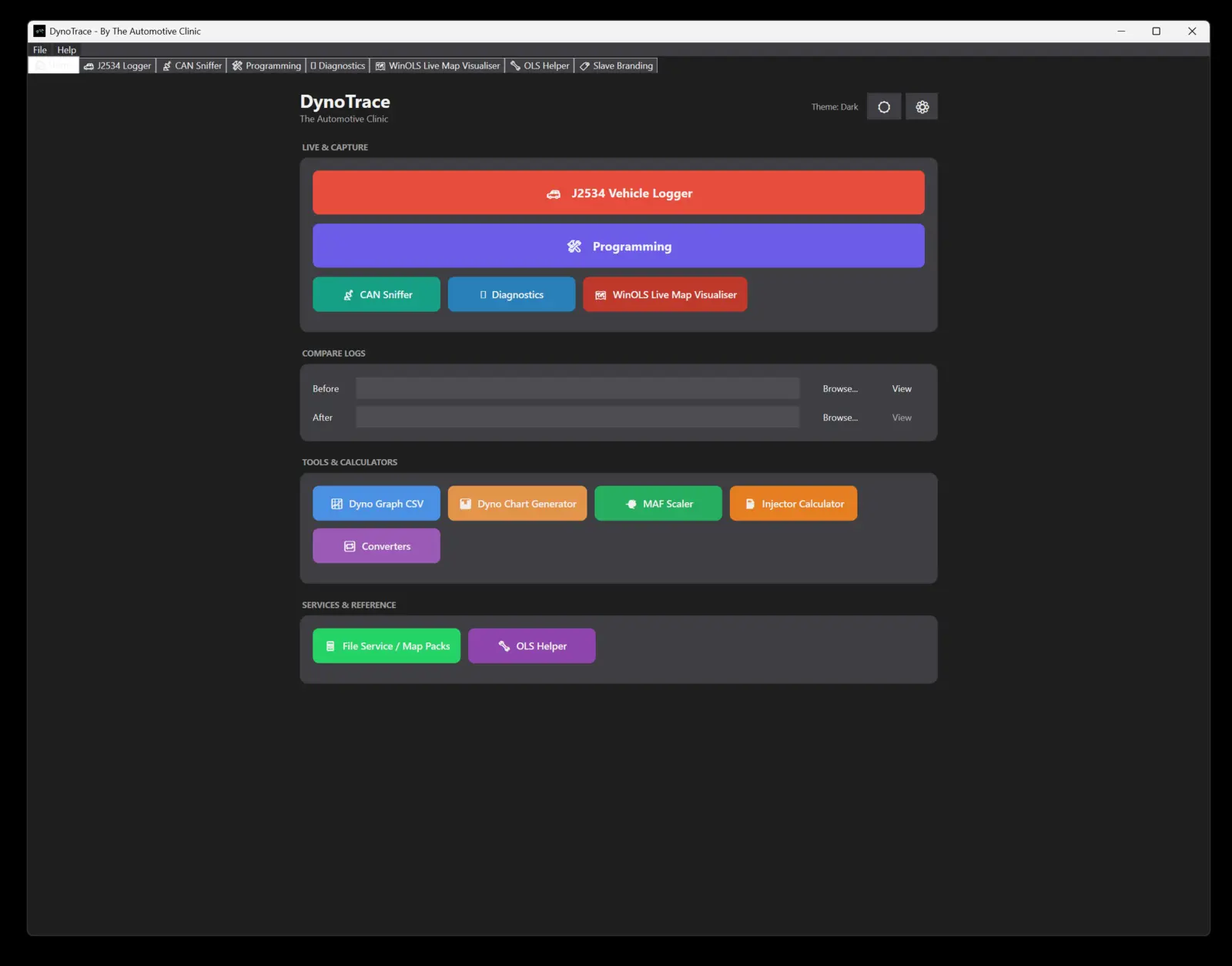
Everything starts from one home screen: live capture, compare logs, tools and calculators, and a direct line to our file service and map packs.
Vehicle coverage
Who it's for
Diesel and performance tuners, auto-electricians and workshops who want pro-level logging, scanning and map visualisation without a dealer-tool price tag.
Buy DynoTrace
Pay by card, download the installer, paste the Machine ID the app shows you, and the licence is issued on the spot. 12 months, one computer.
DynoTrace
Questions
Which J2534 interfaces work?
Any interface with a J2534 pass-thru driver installed on the PC — Scanmatik, Tactrix Openport, MongoosePro, Drew Tech, VXDIAG, Autel J2534 and others. DynoTrace lists every registered J2534 driver and you pick the one to use.
Does it write to the ECU?
Logging, scanning and the CAN sniffer are read-only. Writing is only possible through the separately licensed programming module, on supported platforms.
How does the licence work?
One computer per licence, 12 months from activation. After paying, open DynoTrace, copy the Machine ID it shows, paste it on your order page and the key is issued instantly and emailed to you. Moving to a new PC? Email us and we'll transfer it.
Do I need WinOLS for the map visualiser?
You need a map list for your file — exported from WinOLS or one of our map packs. DynoTrace itself doesn't need WinOLS installed.
What Windows version?
Windows 10 or 11, 64-bit. The installer includes everything else it needs.
More about DynoTrace, release notes and support: The Automotive Clinic — DynoTrace.